Why listening runs on the computer
Speech recognition and verse search in FlowCast run on the computer. This is what that means, what usage data FlowCast collects, and how to turn it off.
 FlowCast team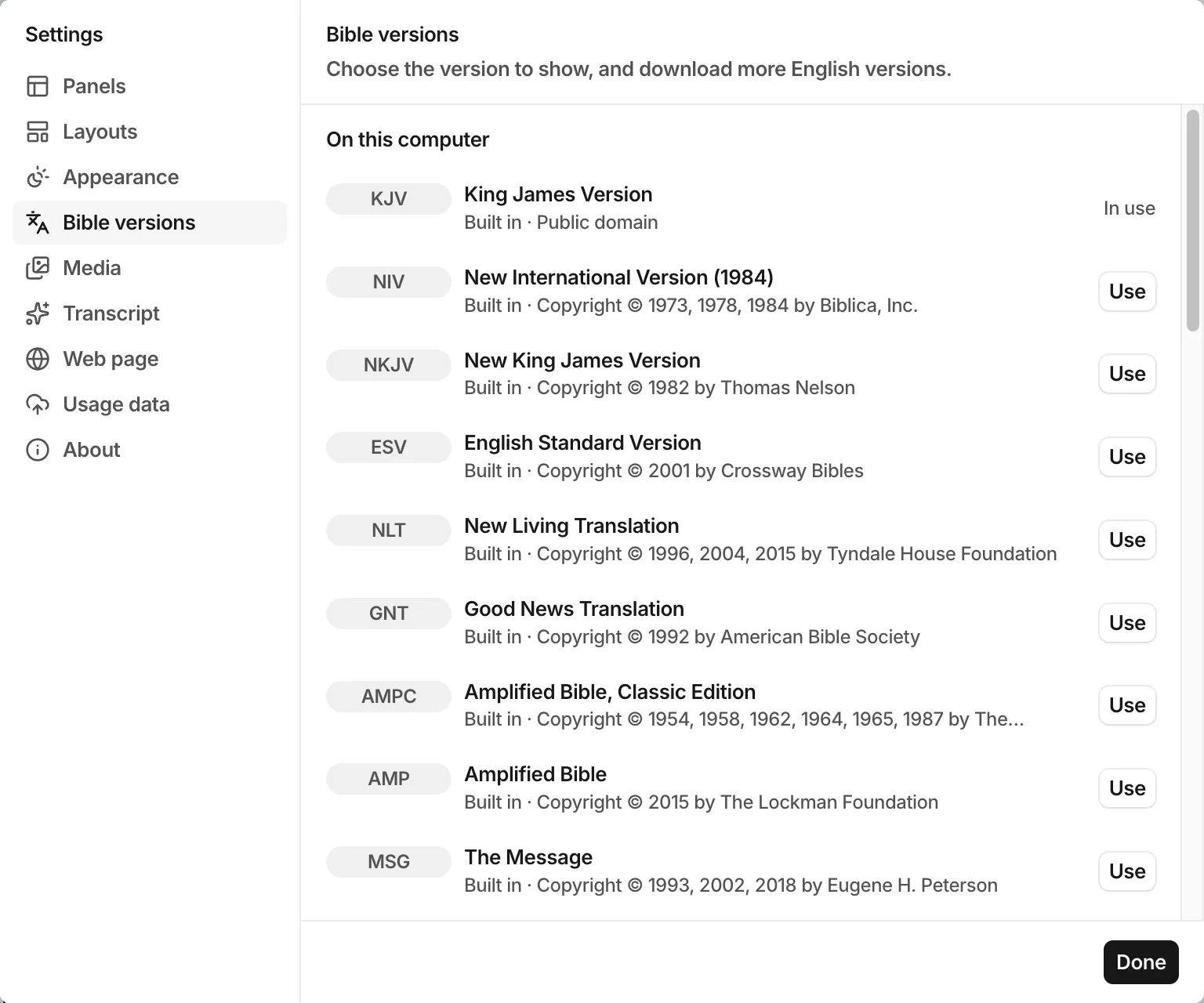
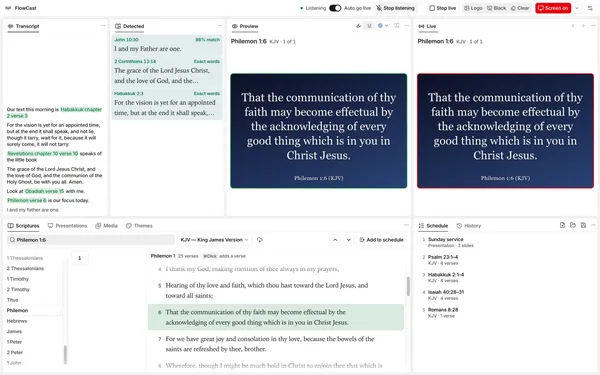
FlowCast does not need a server to hear the preacher or to find the verse. The speech model and the verse search run on the computer at the media desk. This post explains what runs where, and what FlowCast sends to us.
What runs on the computer
- Speech recognition. The speech model, Parakeet Unified 0.6B, runs on the Neural Engine of a Mac with Apple silicon, and on the CPU of a Windows PC. FlowCast downloads it the first time you click Listen.
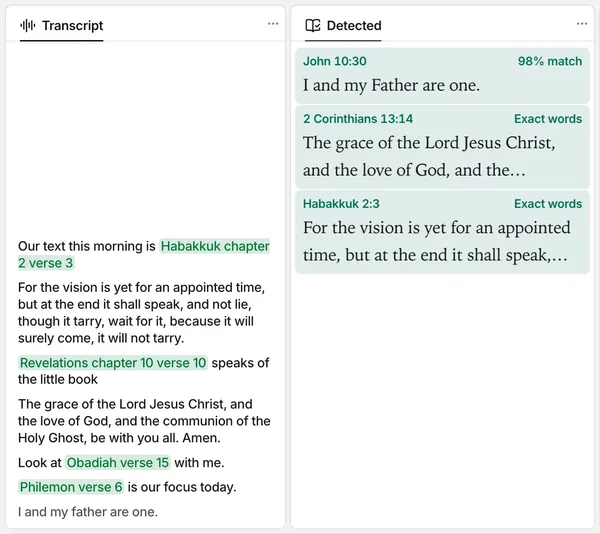
- Verse search. The search models and the verse index come with FlowCast. The search by meaning and the Detected panel run offline.
- Bible versions. FlowCast includes 30 English versions, so it works without internet from the first start. Versions that you download from eBible.org stay on the computer too.
- Fluid Intelligence. This optional model adds punctuation to the transcript and corrects some words, on the computer. It is off until you turn it on.
What FlowCast collects
FlowCast collects usage data to make its speech recognition and passage detection better. Collection and upload are on by default. The usage data has these parts:
- The start of FlowCast, with the version of FlowCast and of the operating system.
- The errors of FlowCast and of its windows.
- The items that you send live, and the references and commands that FlowCast hears.
- The transcript of each listening, the passages that the Detected panel finds, and the lines that Fluid Intelligence corrects.
- The audio of each listening, as a WAV file.
FlowCast uploads the usage data to the FlowCast team when FlowCast starts and after each listening. After each upload, FlowCast deletes the uploaded data from the computer.
Talk with your church leaders about the recording and the upload before you use listening in a service.
How to turn it off
- To stop the collection, click File › Collect Usage Data. If you turn it off during a listening, FlowCast deletes the audio of that listening.
- To keep the usage data on the computer, click the Settings button in the top bar, click Usage data, and turn off Upload usage data.
- To save the usage data on the computer in a ZIP file, click File › Export Usage Data….
A note on Fluid Intelligence
Fluid Intelligence is a model by Altic. Altic licenses it for personal, non-commercial use only. Do not use Fluid Intelligence in a church or other organization without written permission from Altic.
Share this article:
Related posts
September 30, 2026
Find a verse from an idea
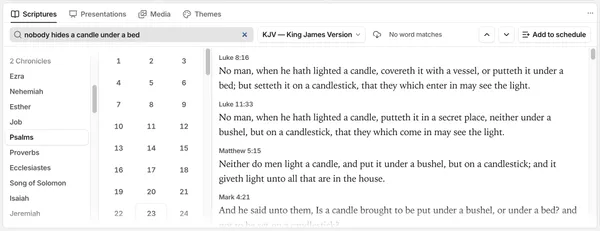
You remember what a verse says, but not where it is. Type the idea in the Scriptures panel, and FlowCast finds the verse without an internet connection.