Find a verse from an idea
You remember what a verse says, but not where it is. Type the idea in the Scriptures panel, and FlowCast finds the verse without an internet connection.
 FlowCast team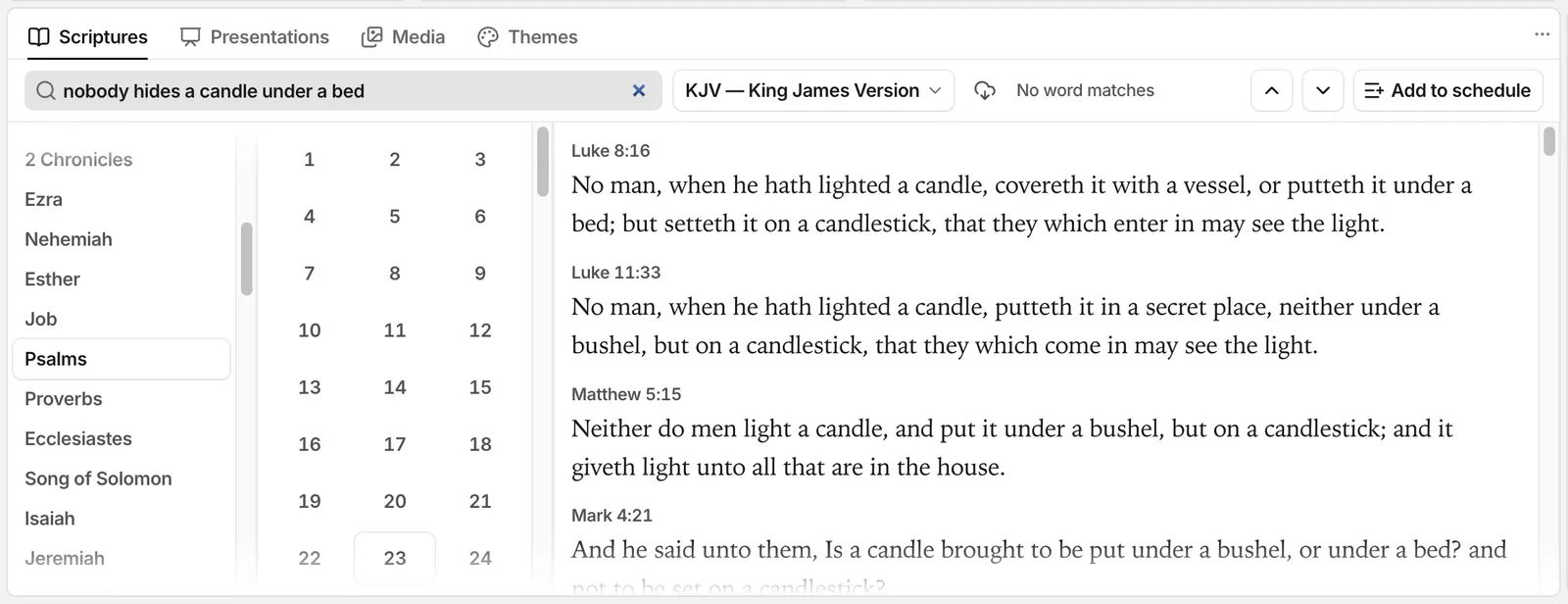
Sometimes you remember what a verse says, but not the book or the chapter. In the Scriptures panel of FlowCast, you can type the idea in your own words. FlowCast finds the verse.
Four ways to search
Type one of these in the Scriptures panel:
- A reference, such as
John 3:16. - A list, such as
John 3:16; Rom 8:28orJohn 3:16, 18. - Words from the verse.
- An idea, in your own words.
The results show the verses with your words in the same order first. Then come the verses with the nearest meaning, then the other verses with all your words.
You do not have to click the search field first. Type any letter or number, and it goes into the scripture search. Command-F (Ctrl-F on Windows) also finds scripture.
Search by meaning
Type “nobody hides a candle under a bed”. FlowCast finds Luke 8:16 and Mark 4:21. Your words are not the words of the verse, but the meaning is the same.
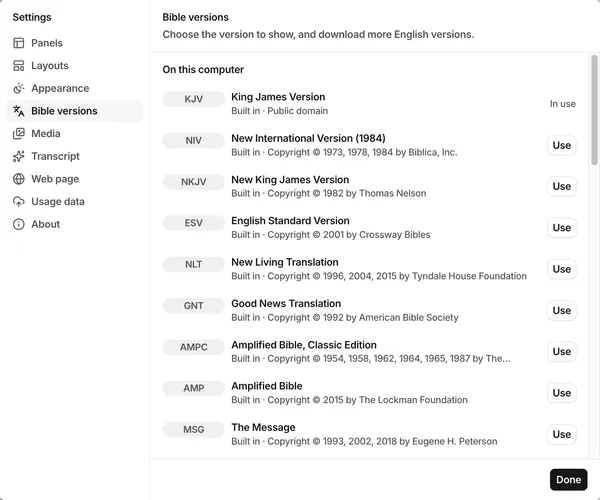
FlowCast compares your words with each verse in the KJV, NIV, and AMPC. A verse that is close in more than one version scores higher than a verse that is close in one wording only. A verse also scores higher when it shares rare words with your search. So the few exact words you remember still count.
Offline and quick
The search model, BGE small v1.5, and the verse index come with FlowCast. The search runs on the computer, without an internet connection. A search takes less than a quarter of a second. FlowCast loads the model the first time you search by meaning.
Search by meaning also works when Detect passages is off.
From result to screen
- Click a verse to show it in the preview.
- Shift-click a verse to select a range.
- Command-click a verse (Ctrl-click on Windows) to add a verse from a different chapter or book.
- Click Split verses to show one verse on each slide, or Combine verses to show them all on one slide.
- Push Enter to send the preview live.
Share this article: